Create, switch, rename, and delete organizations that group your chatbots and team members
Organizations are the top-level container in OpenBat. Each organization has its own set of chatbots, members, and settings. You can belong to multiple organizations and switch between them.
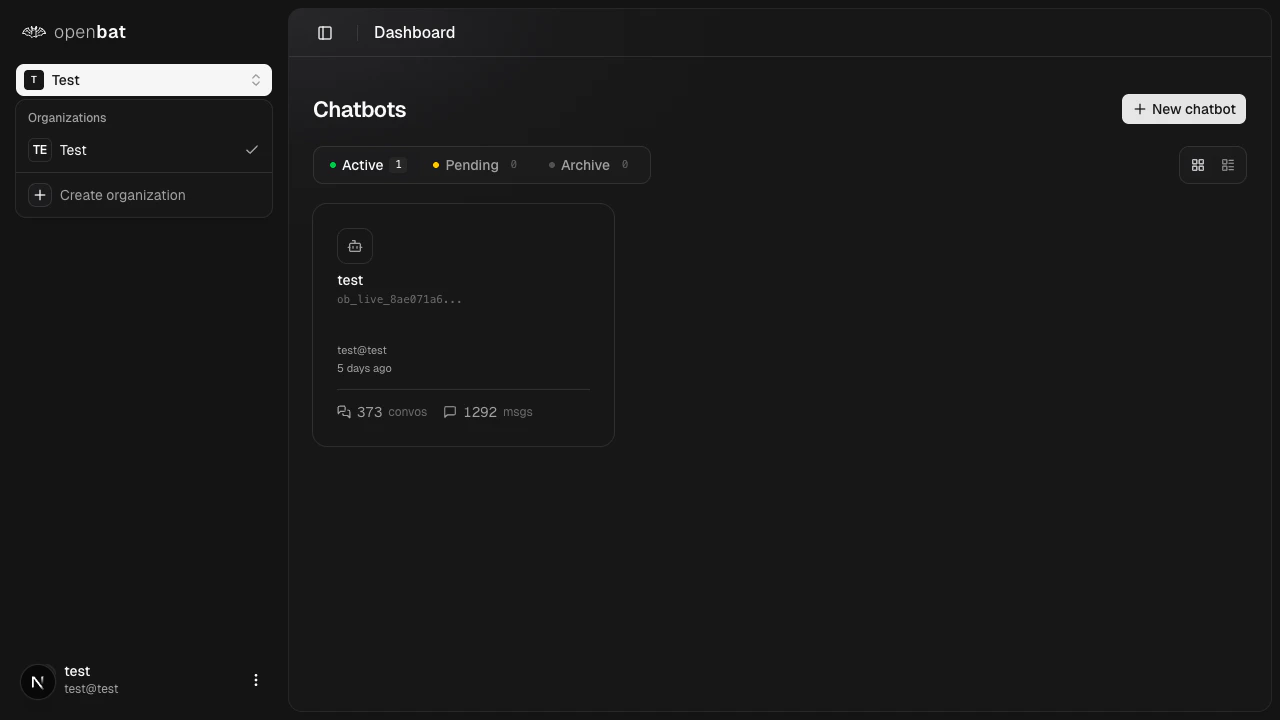
Click the organization switcher at the top of the sidebar to switch between organizations or create a new one.
The switcher displays your current organization and lists all organizations you belong to. Select a different org to switch context — the dashboard updates to show that organization’s chatbots.
Deleting an organization permanently removes all its data — chatbots, conversations, analysis results, workflows, and member associations. This action cannot be undone.
1
Navigate to settings
Go to Settings at /platform/settings.
2
Scroll to the danger zone
Find the Danger zone section at the bottom of the page.
3
Click Delete organization
Click the Delete organization button and confirm in the dialog.
Only organization Owners can rename or delete an organization.