

/platform/{chatbotId}/settings > Webhooks.
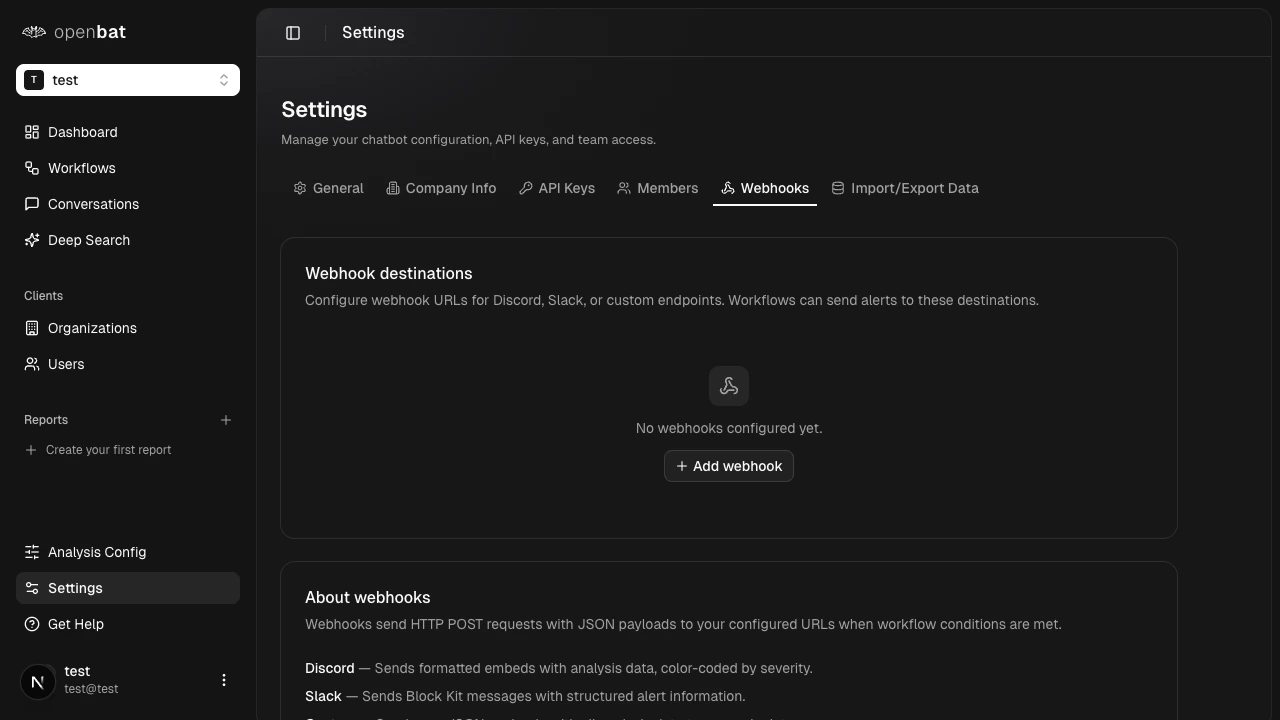
Supported destinations
| Type | Description |
|---|---|
| Discord | Sends formatted messages to a Discord channel via webhook URL |
| Slack | Sends formatted messages to a Slack channel via incoming webhook |
| Custom | Posts JSON payloads to any HTTP endpoint |
Set up a webhook
Configure the destination
Enter the webhook URL and select the type (Discord, Slack, or Custom).
- Discord
- Slack
- Custom
- In Discord, go to Server Settings > Integrations > Webhooks
- Click New Webhook, choose a channel, and copy the URL
- Paste the webhook URL in OpenBat
Save
Save the webhook destination. It’s now available as an action target when creating workflows.
You can configure multiple webhook destinations per chatbot. Each workflow can target a different destination.
Next steps
Workflows
Create automated alerts using your webhook destinations.
Set up alerts
Step-by-step guide to your first sentiment alert.