

Create your account
Go to openbat.dev and click Sign Up. You can create an account with email and password, or sign in with Apple, Google, or Meta.Your password must be at least 8 characters long.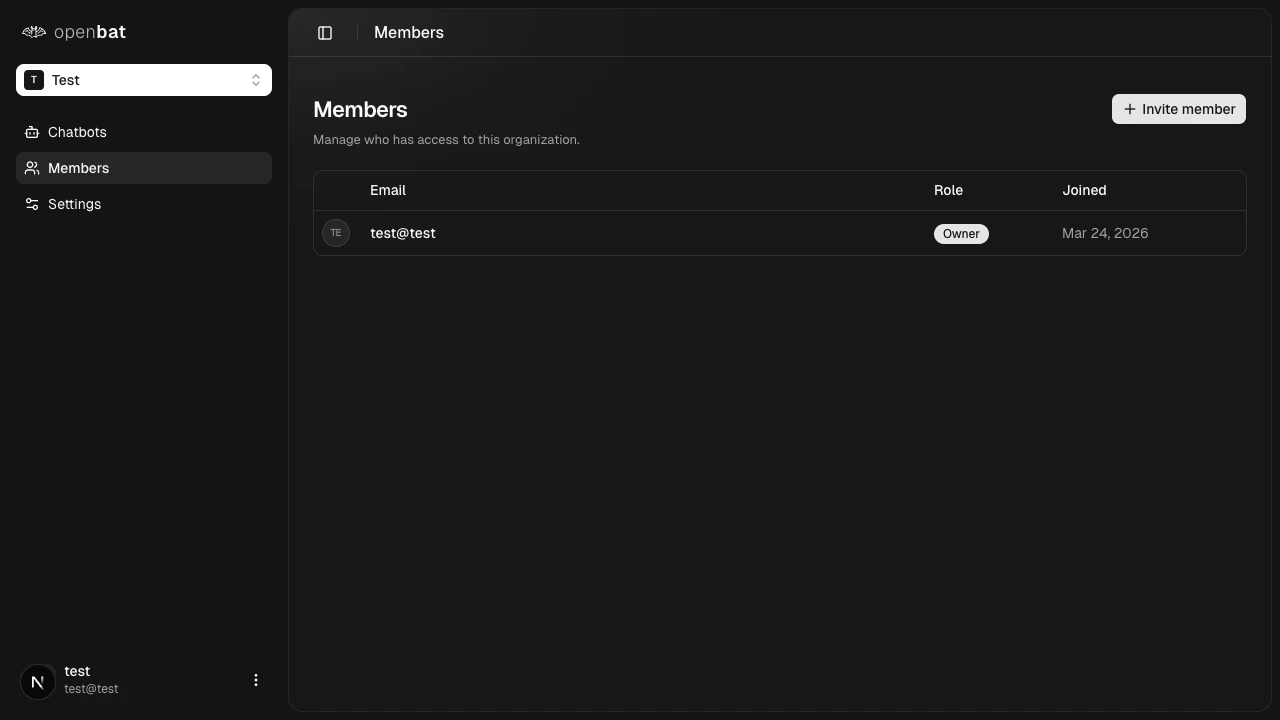
Create a chatbot
After signing in, you land on the dashboard at 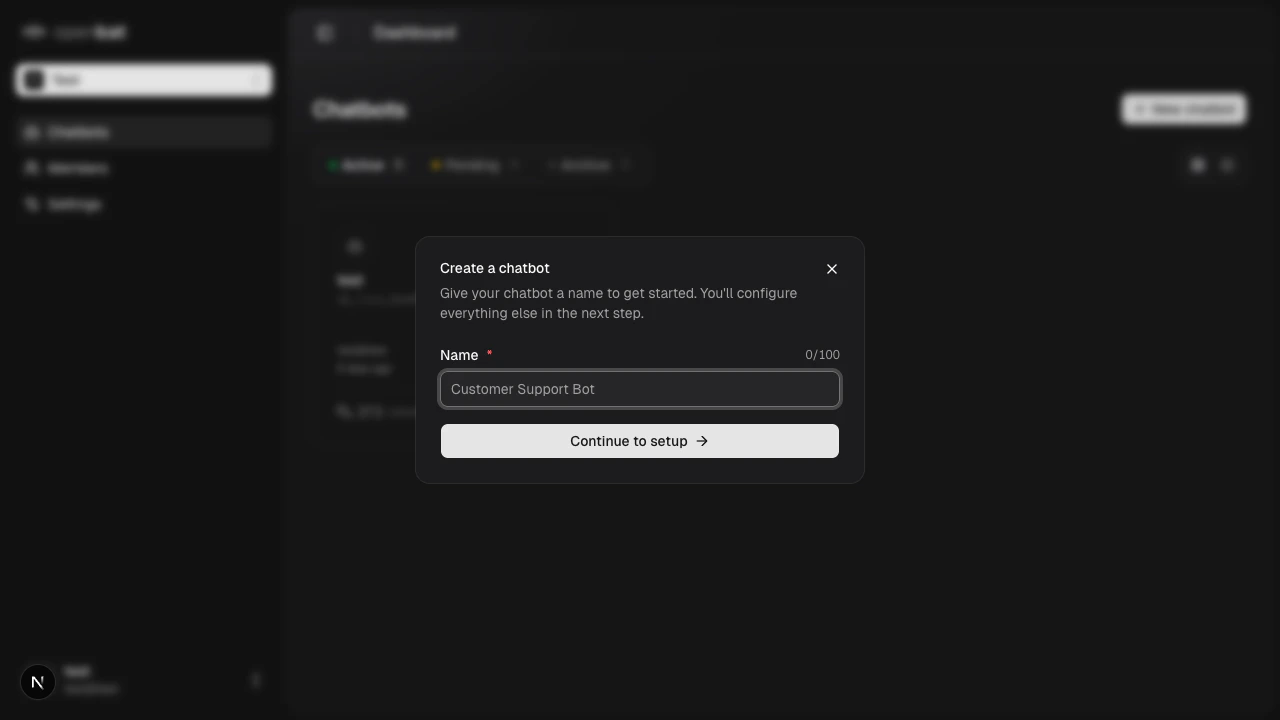
/platform. Click + New chatbot, enter a name (up to 100 characters), and click Continue to setup.Get your API key
Navigate to your chatbot’s Settings > API Keys tab. Copy the API key — you’ll need it to authenticate SDK requests.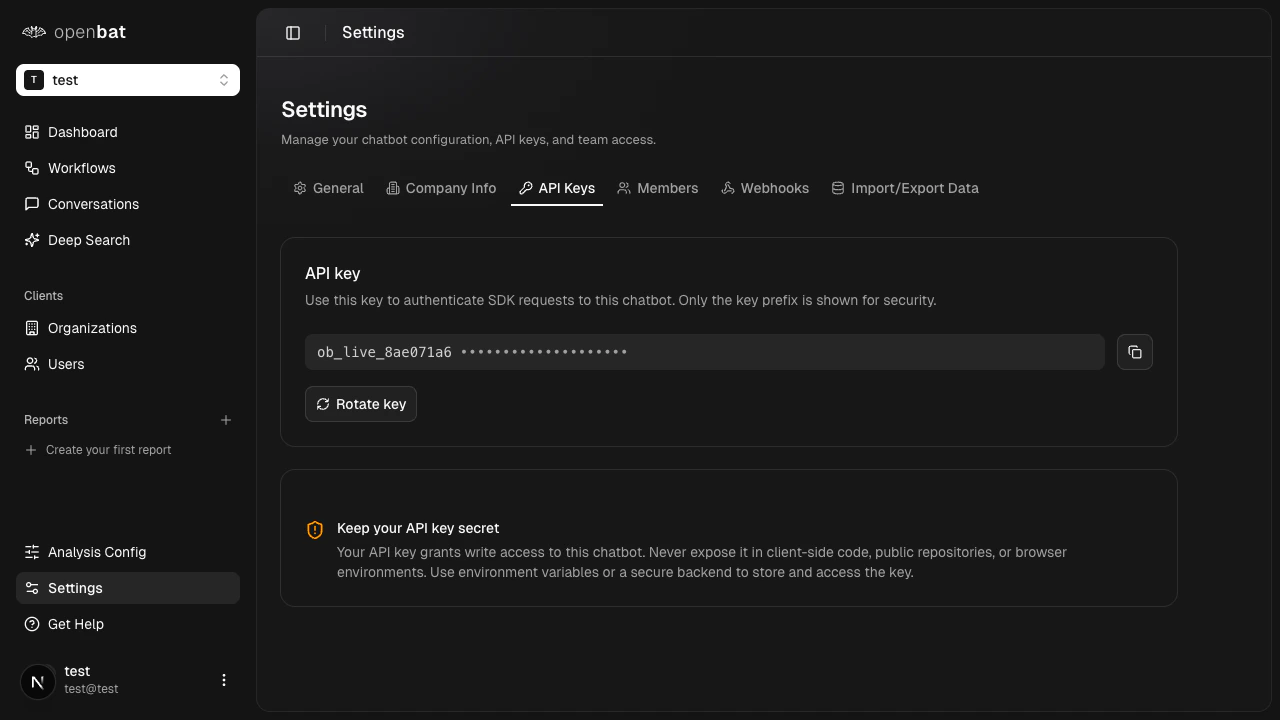
What to do next
Create your first chatbot
Detailed chatbot setup and configuration walkthrough.
Set up alerts
Get notified when negative sentiment is detected.
Customize analysis
Configure which signals OpenBat detects.