

/platform/{chatbotId}/settings > API Keys.
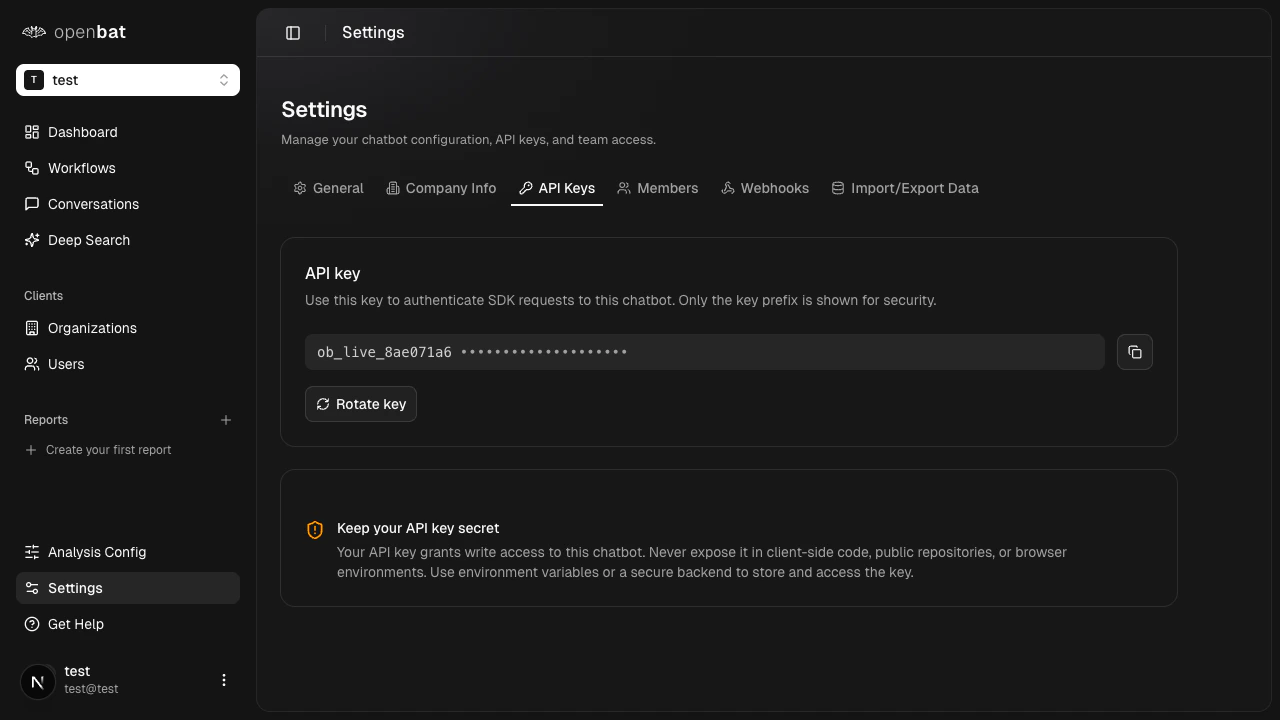
View your key
Your API key is displayed in a masked format for security. Only the prefix is visible.Copy your key
Click the copy button next to the key to copy the full API key to your clipboard. Use this when setting up your SDK integration.Rotate your key
If your key has been compromised or you need a fresh one, click Rotate key to generate a new API key.Security best practices
- Store your API key in environment variables (e.g.,
OPENBAT_API_KEY) - Never commit API keys to version control
- Never expose API keys in client-side code
- Rotate keys immediately if you suspect they’ve been compromised
- Use different chatbots (and therefore different keys) for development and production
- Rotate keys on a quarterly schedule, or immediately when a team member with API key access leaves the organization
Next steps
Install the SDK
Use your API key to connect your chatbot.
SDK reference
Full SDK documentation and code examples.