

/platform/{chatbotId}/analysis-config controls how OpenBat processes and annotates your conversations. It has five tabs, each managing a different aspect of the analysis pipeline.
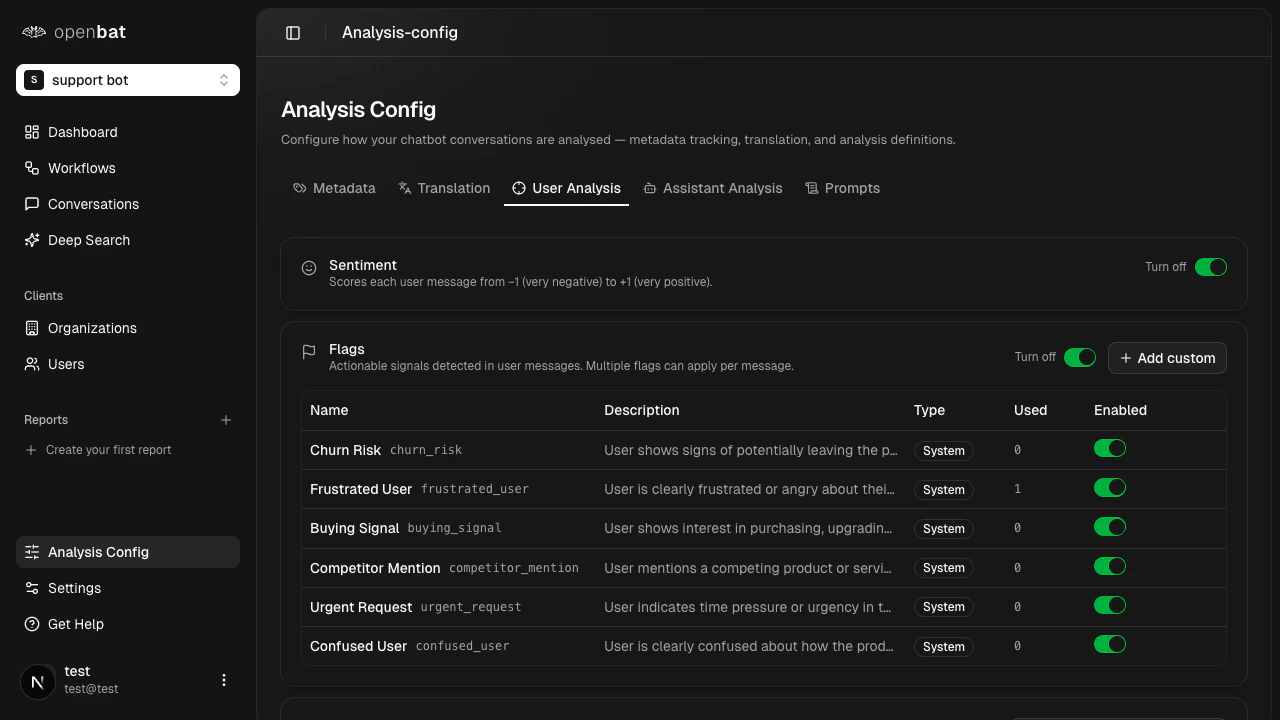
Metadata
Manage custom metadata fields sent via your SDK. When OpenBat receives metadata keys it hasn’t seen before, they appear in the Discovered fields table. For each discovered field, you can:- Track — add it to managed fields, making it available as a filter in the conversations table
- Accept — acknowledge the field without tracking
- Deny — reject the field
Translation
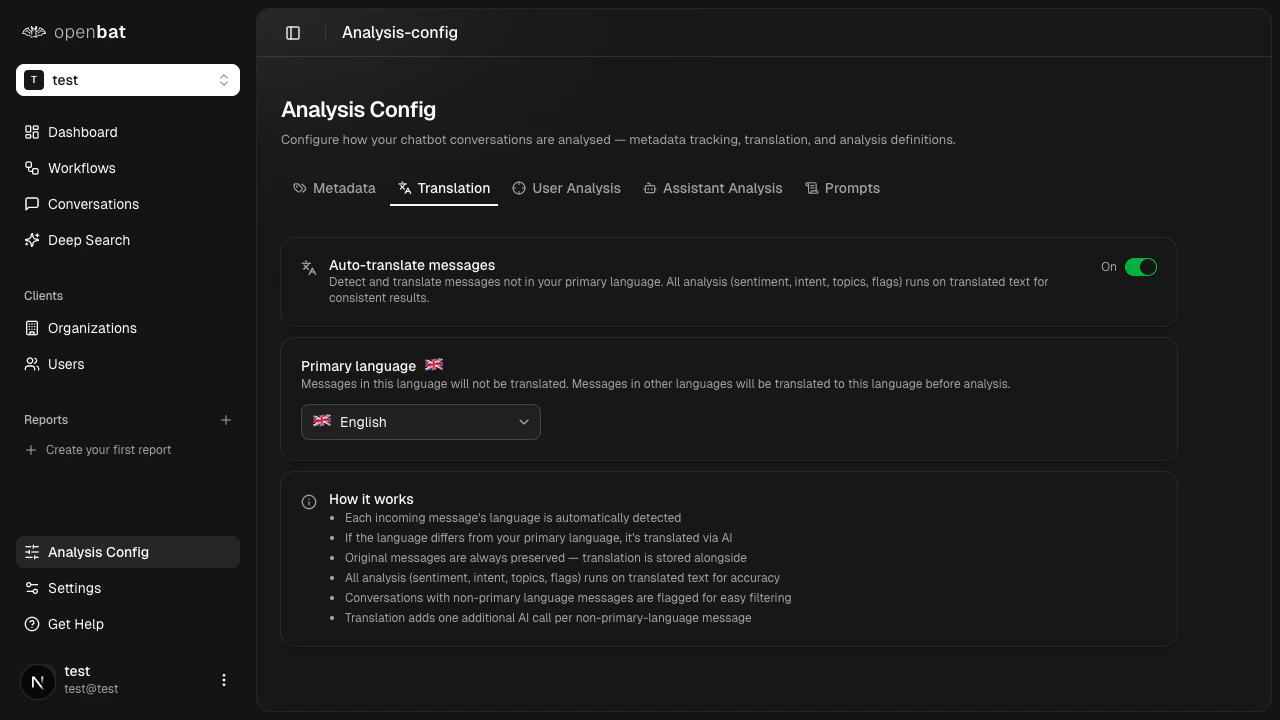
Auto-translation adds one additional AI call per non-primary-language message, which may increase costs for chatbots with high volumes of multilingual conversations.
User analysis
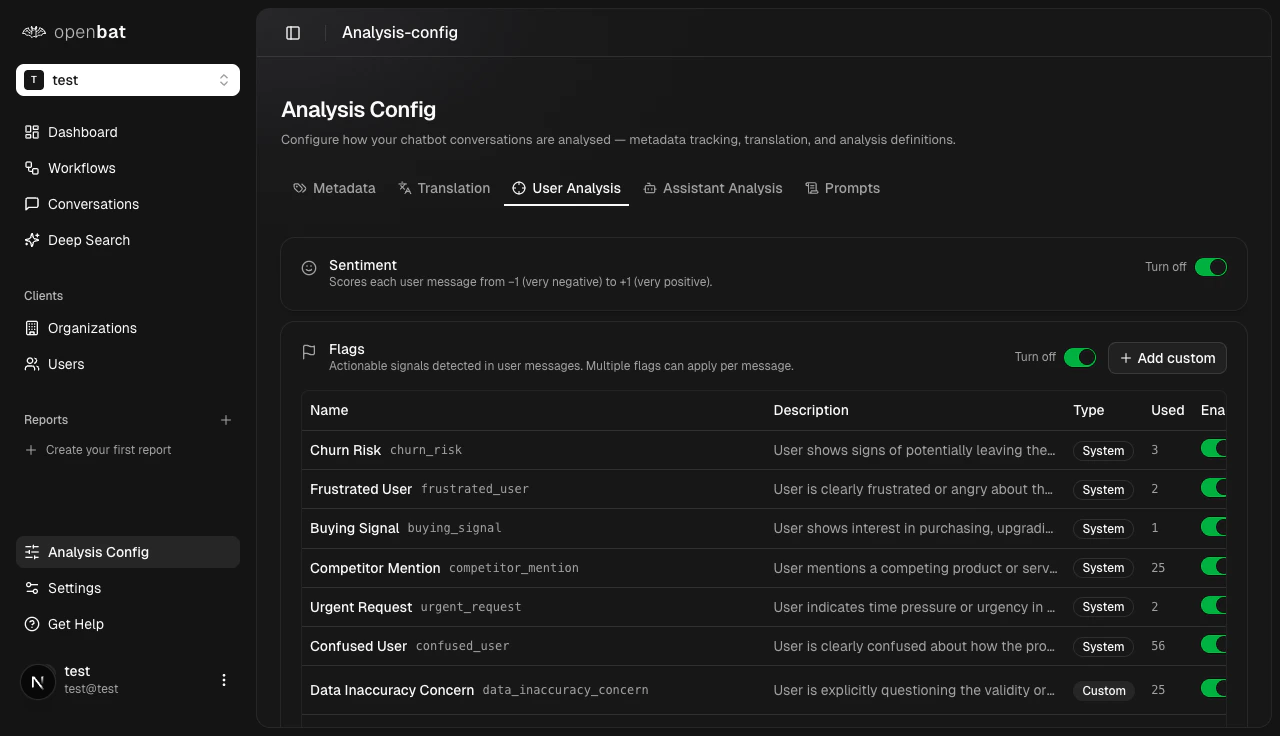
Sentiment scoring
Toggle sentiment analysis on or off. When enabled, every message receives a sentiment score.User flags
Enable or disable detection for each built-in flag:| Flag | Description |
|---|---|
| Churn Risk | User language suggesting they may leave |
| Frustrated User | Expressions of frustration or anger |
| Buying Signal | Interest in upgrading or purchasing |
| Competitor Mention | References to competing products |
| Urgent Request | Time-sensitive or high-priority needs |
| Confused User | Signs of confusion or misunderstanding |
Assistant analysis
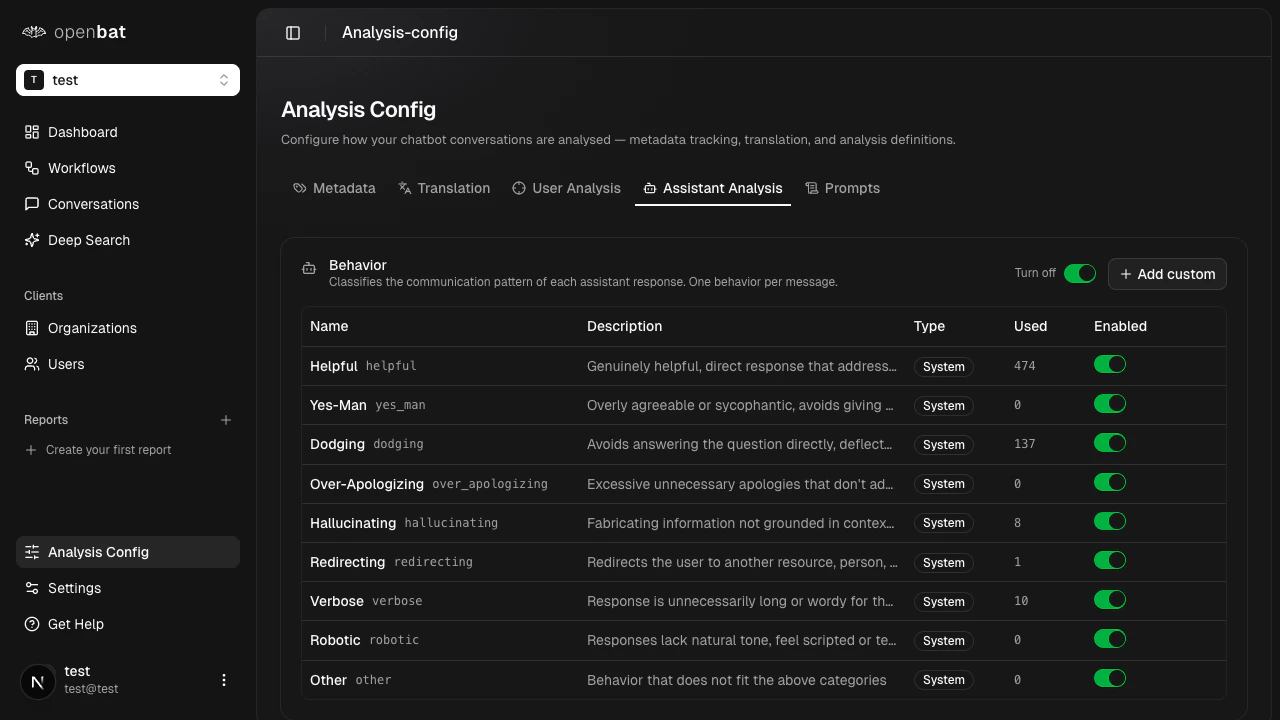
| Behavior | Description |
|---|---|
| Helpful | Provides useful, accurate responses |
| Yes-Man | Agrees with everything without critical thinking |
| Dodging | Avoids answering the question directly |
| Over-Apologizing | Excessive unnecessary apologies |
| Hallucinating | Providing incorrect or fabricated information |
| Redirecting | Sends user elsewhere instead of helping |
| Verbose | Unnecessarily long responses |
| Robotic | Unnatural, template-like responses |
| Other | Catch-all for unclassified behaviors |
Prompts
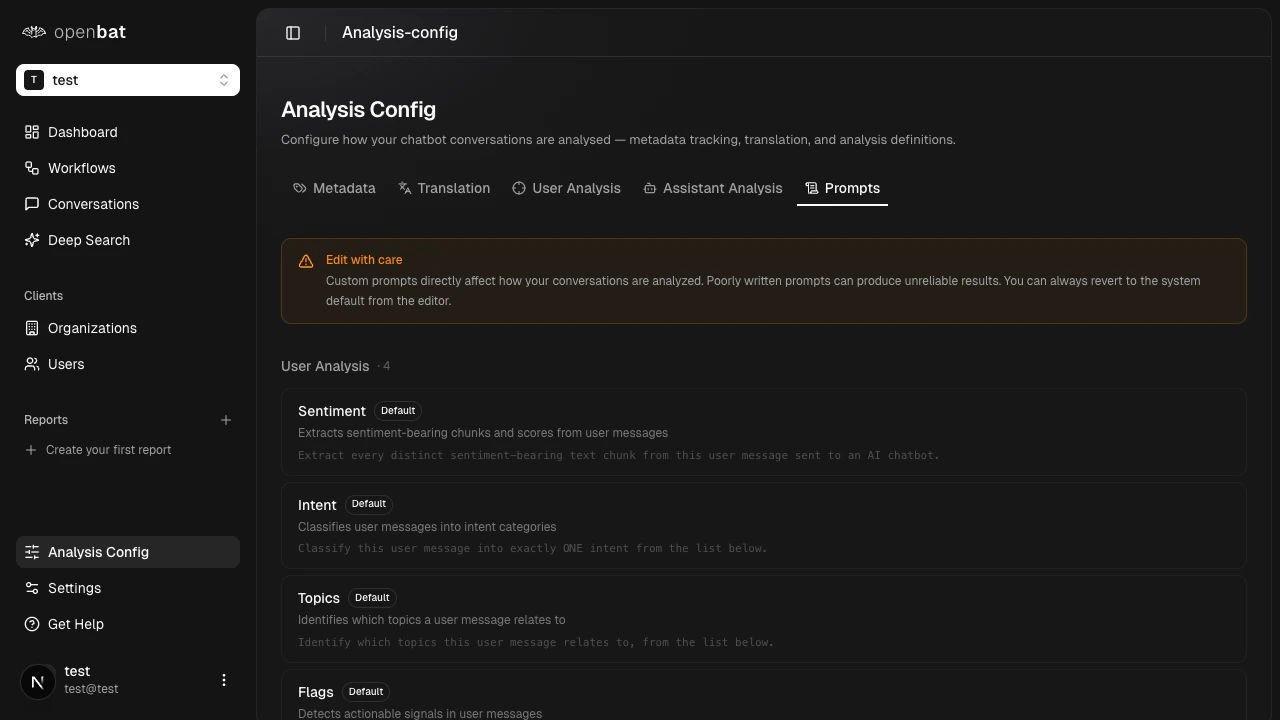
- Sentiment — controls how sentiment scores are calculated
- Intent — defines how user intents are classified
- Topics — guides topic extraction from conversations
- Flags — determines how user flags are detected
There is no built-in prompt versioning. Before editing a prompt, copy the current text so you can revert manually if needed. Unmodified prompts show a Default label.
Next steps
Customize prompts
Step-by-step guide to editing analysis prompts.
Manage metadata
Track custom metadata from your SDK.
Analytics dashboard
See the results of your analysis configuration.