

/platform/{chatbotId}/workflows let you automate responses to conversation analysis patterns. When OpenBat detects specific signals — like negative sentiment, hallucination, or churn risk — a workflow can trigger an alert to Slack, Discord, or a custom webhook.
The page has three tabs: Workflows, Runs, and Templates.
Templates
The Templates tab provides six pre-built workflows you can use as starting points: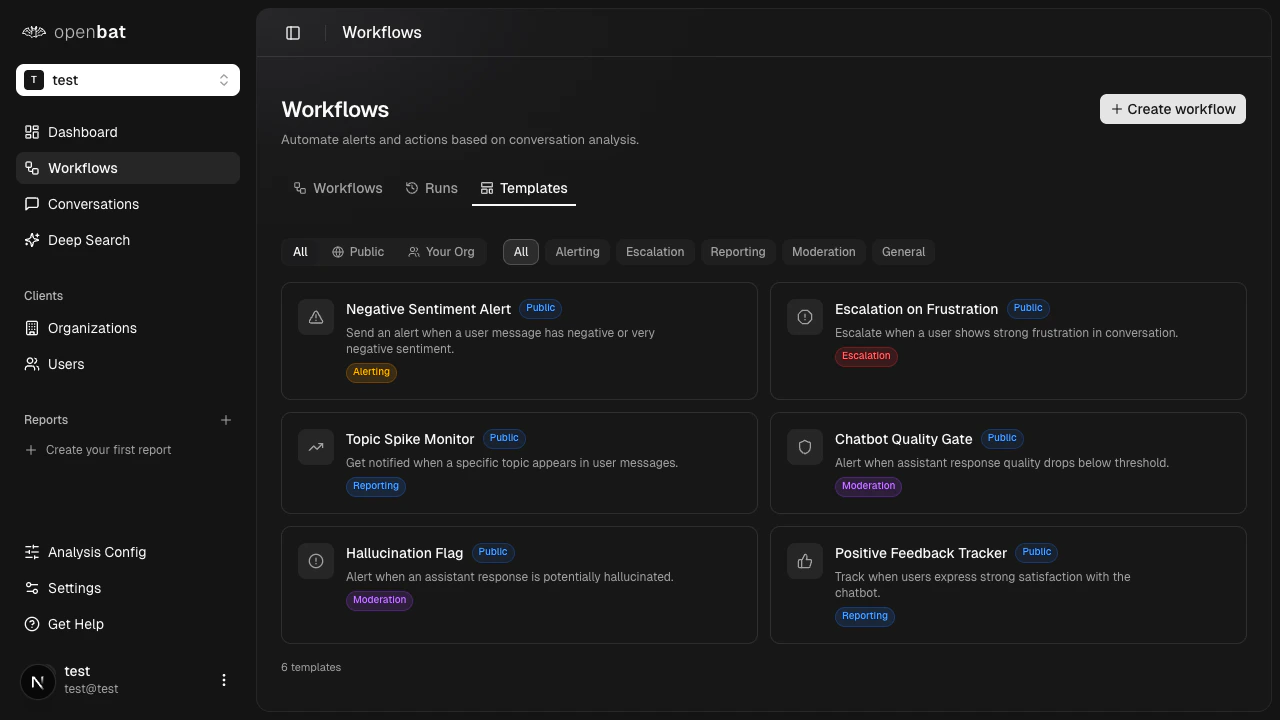
Negative Sentiment Alert
Triggers when conversation sentiment drops below a threshold. Category: Alerting.
Escalation on Frustration
Escalates when a user is flagged as frustrated. Category: Escalation.
Topic Spike Monitor
Alerts when a specific topic sees unusual activity. Category: Reporting.
Chatbot Quality Gate
Flags conversations where assistant quality drops. Category: Moderation.
Hallucination Flag
Detects and alerts on assistant hallucination. Category: Moderation.
Positive Feedback Tracker
Tracks positive user feedback for reporting. Category: General.
- Source: All, Public, Your Org
- Category: All, Alerting, Escalation, Reporting, Moderation, General
Create a workflow
From a template
Configure conditions and actions
Adjust the trigger conditions and action destinations (webhook endpoints) for your use case.
From scratch
Open the creation form
Click + Create workflow on the Workflows tab. An inline form appears with a name field.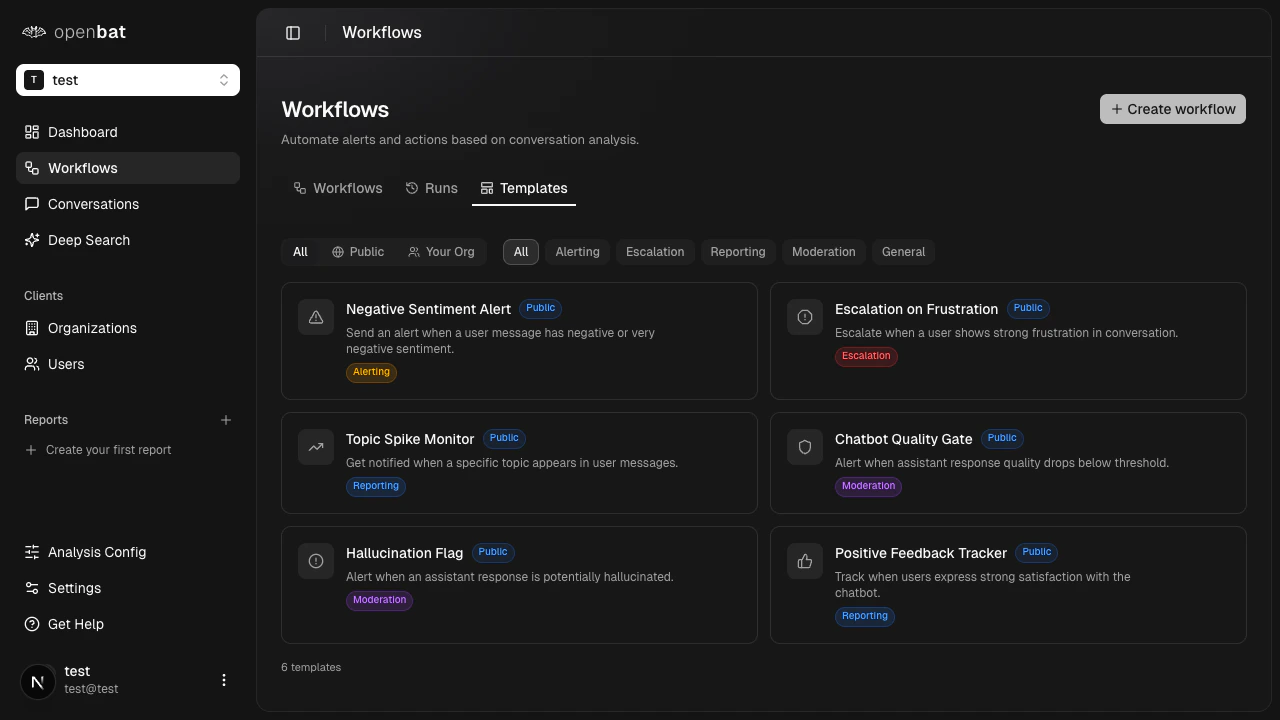
Configure trigger conditions
Define what triggers the workflow. Available trigger signals include:
- Sentiment score below a threshold
- Specific user flags detected (e.g., Churn Risk, Frustrated User)
- Specific assistant behaviors detected (e.g., Hallucinating, Dodging)
- Topic matches or spikes
Set up actions
Choose a webhook destination for the alert. You can send to Discord, Slack, or a custom HTTP endpoint.
Workflows require at least one webhook destination configured in your chatbot settings before you can set up actions.
Workflow runs
The Runs tab shows the execution history of all workflows. Each run has a status: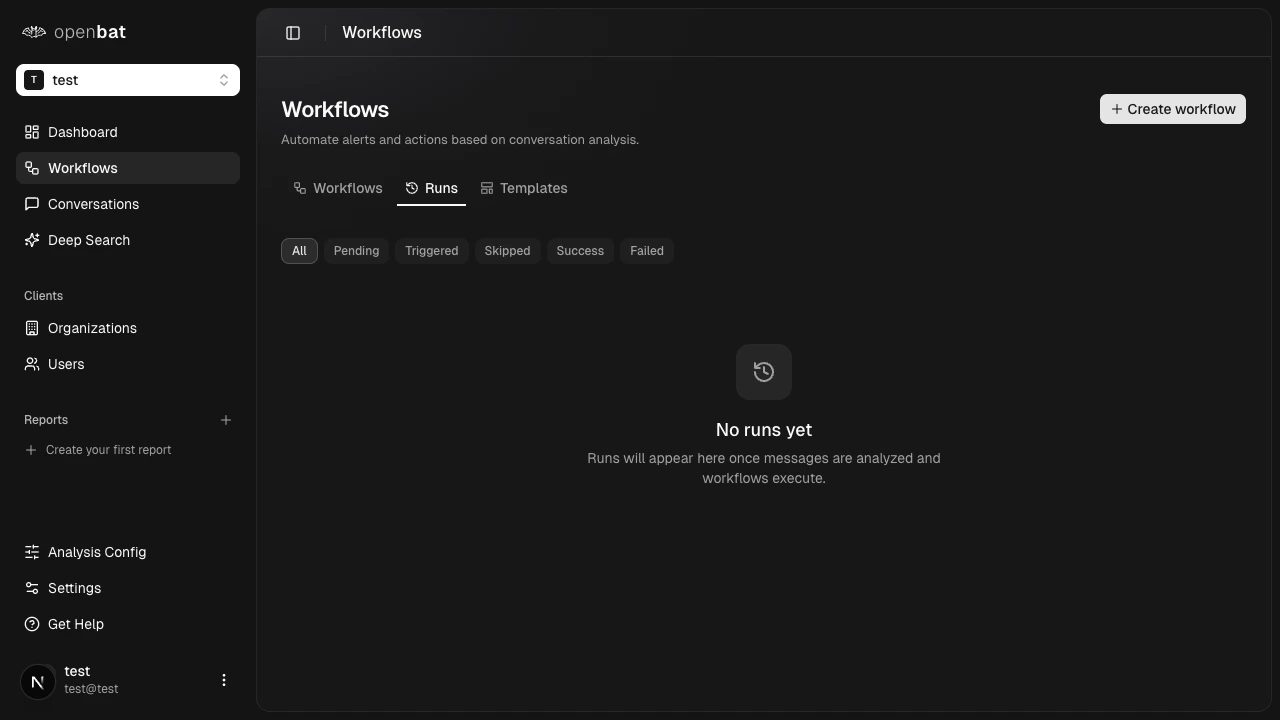
| Status | Description |
|---|---|
| Pending | Workflow triggered, awaiting execution |
| Triggered | Actively executing |
| Success | Completed and alert delivered |
| Failed | Execution failed (check webhook configuration) |
| Skipped | Conditions not met, no action taken |
Next steps
Set up alerts
Step-by-step guide to creating your first alert.
Webhooks
Configure Discord, Slack, or custom endpoints.
Analysis config
Control which signals trigger workflows.