OpenBat separates analytics by the external entities you pass through the SDK — the end users who interact with your chatbot and the organizations those users belong to. These pages let you browse, filter, and surface patterns at the entity level rather than the conversation level.
The users page is a filterable directory of every unique user your chatbot has interacted with. Each row represents a real person from your product, identified by the user.id you pass through the SDK.Users
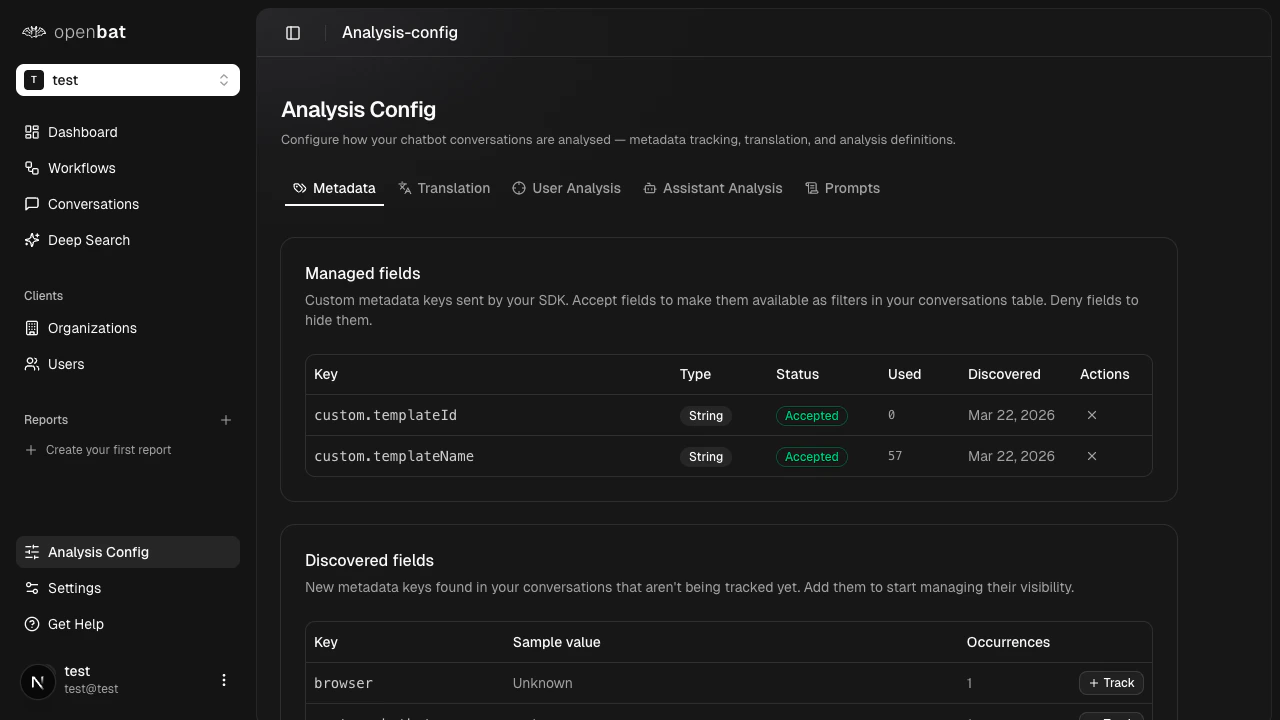
Table columns

ColumnDescription
UserName and email, pulled from SDK metadata
PlanSubscription plan (e.g., Free, Pro, Enterprise)
IndustryThe user’s industry, if provided
OrganizationWhich organization they belong to
ConversationsTotal conversation count
Avg SentimentAverage sentiment score across all conversations
MRRMonthly recurring revenue, if provided
First seenWhen their first conversation was captured

Filtering

Free-text search matches on user name, email, or user ID.Faceted filters:
  • Plan (multi-select)
  • Industry (multi-select)
  • Organization (specific org or any)
Range filters:
  • Conversation count (min/max)
  • Average sentiment (min/max) — find your most or least satisfied users
  • MRR (min/max) — narrow results to high-value accounts
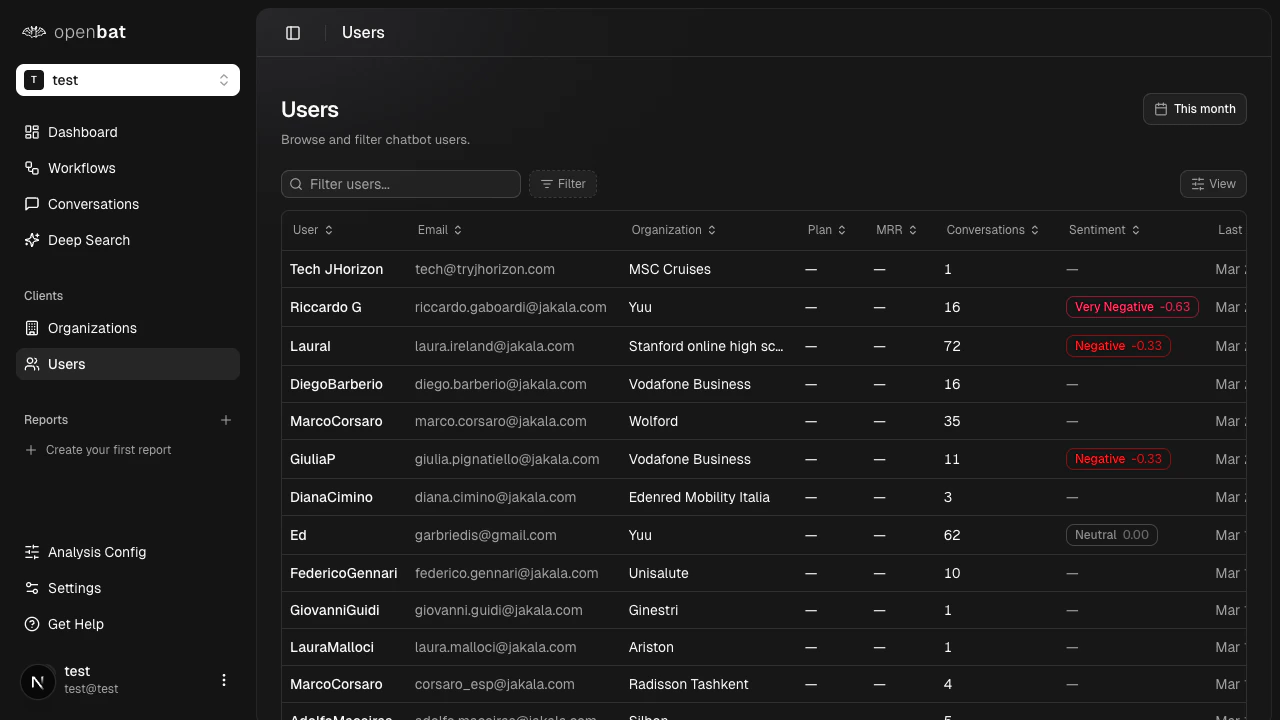
You can sort by any column in ascending or descending order.Clicking a user row filters the conversations view to show only that user’s conversations.

Metadata sourcing

Both pages are only as rich as the metadata you pass through the SDK. Fields like plan, industry, and MRR must be explicitly provided when calling recordMessages():
client.recordMessages({
  conversationId: "...",
  user: {
    id: "user_123",
    name: "Alice Johnson",
    email: "alice@acme.com",
    plan: "enterprise",
    industry: "fintech",
    mrr: 1500
  },
  organization: {
    id: "org_acme",
    name: "Acme Corp",
    plan: "enterprise",
    mrr: 5000,
    industry: "fintech"
  },
  messages: [...]
});
Fields not provided appear as empty in the table and are not available as filters. Richer metadata means richer filtering and sorting.

Use cases

Churn prevention

Sort by sentiment ascending to find the most frustrated users or organizations. Then filter by high MRR to prioritize outreach to the accounts that matter most. When an entire org’s sentiment drops, that is an account-level risk — not just one unhappy user.

Expansion targeting

Filter conversations for buying signals and cross-reference with high-sentiment users. These are your strongest expansion candidates — engaged, satisfied, and already showing purchase intent.

QBR prep

Pull up a specific organization to review their conversation volume, average sentiment, and typical interaction patterns. You get an account-level summary without digging through individual conversations.

Segment analysis

Filter by plan or industry to understand how different user segments experience your chatbot. Compare sentiment and conversation volume across cohorts to identify where your assistant performs well and where it falls short.