1

Create an account

Go to app.openbat.dev/auth/sign-up and enter your email and password.Check your inbox and confirm your email address. An organization is automatically created for you once you verify.Create an account
2

Create a chatbot

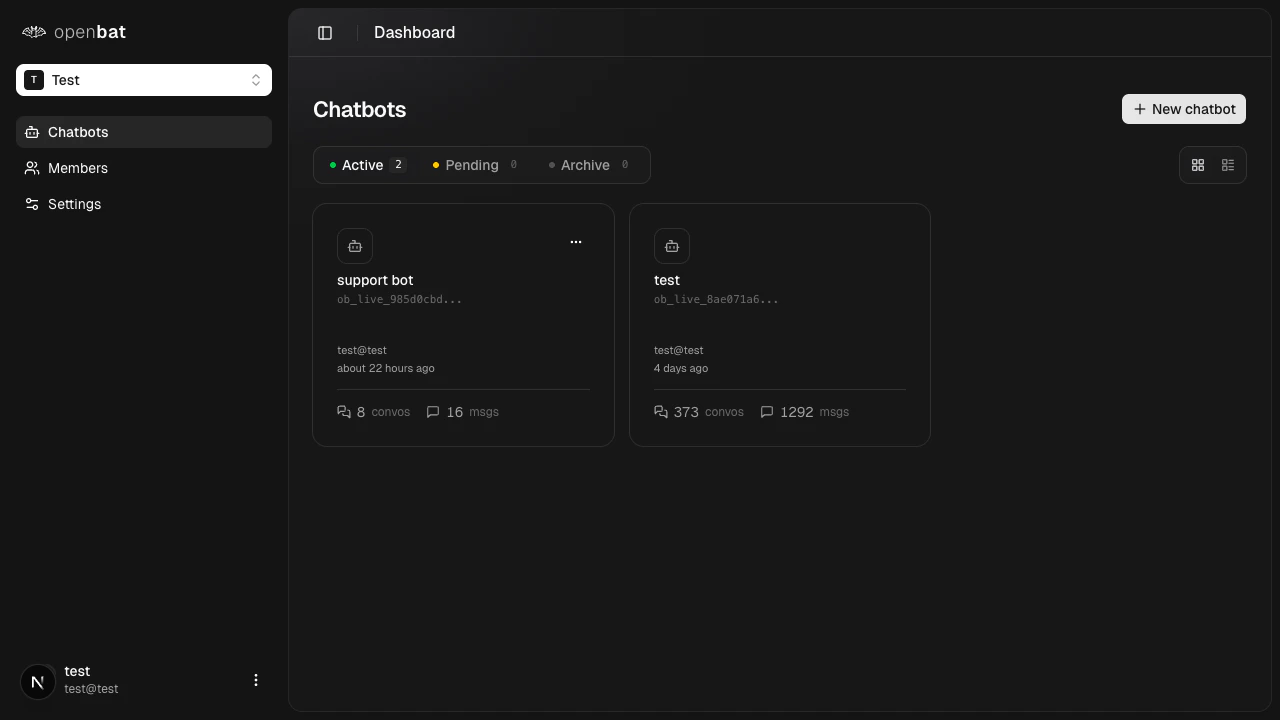
From the platform home, click New chatbot and give it a name.After creation, your API key is displayed. Copy it immediately.
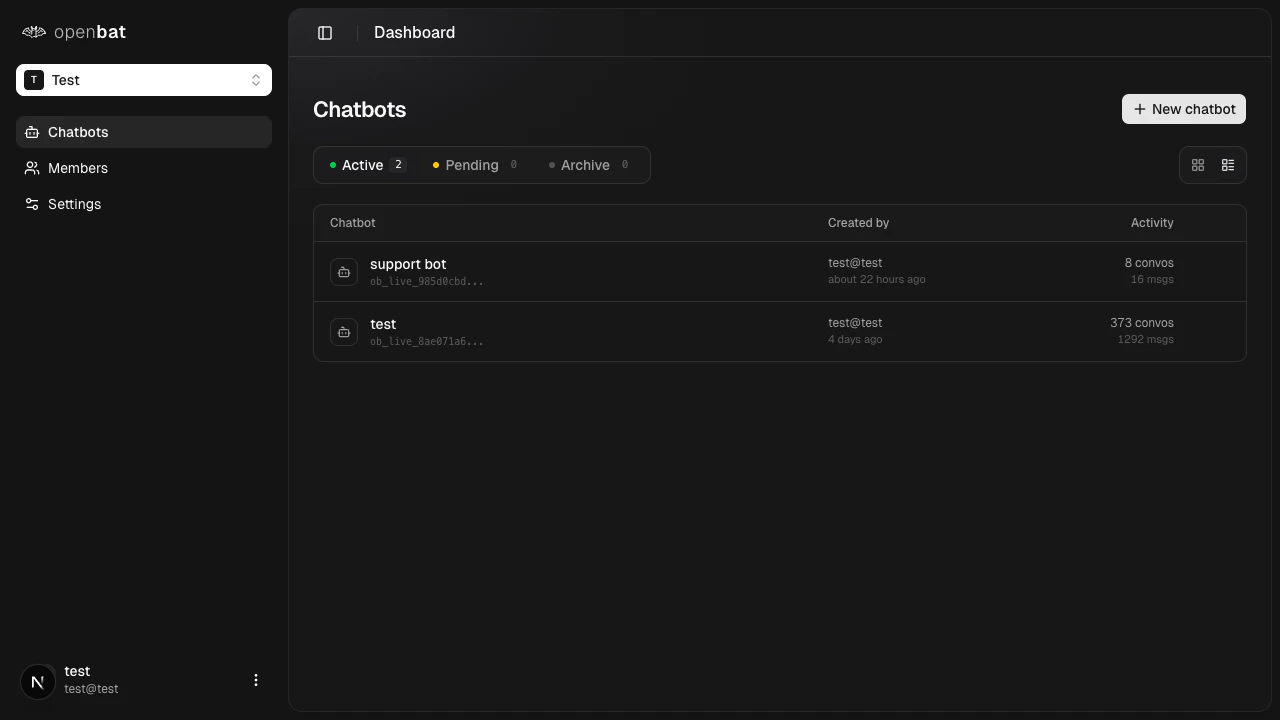
Your API key is shown only once when you create or rotate it. Copy it immediately and store it securely. The full key cannot be recovered after you leave the page.
Chatbots list
3

Install the SDK

Add the OpenBat SDK to your project:
npm install openbat
Then set your API key as an environment variable:
OPENBAT_API_KEY=ob_live_your_key_here
The SDK reads OPENBAT_API_KEY from your environment automatically, so you do not need to pass it in code.
4

Send your first message

Add a recordMessages call after your chatbot generates a response:
import { OpenBat } from 'openbat';

const client = new OpenBat();

await client.recordMessages({
  conversationId: "conv_123",
  messages: [
    { role: "user", content: "How do I reset my password?" },
    { role: "assistant", content: "Go to Settings > Account > Reset password." }
  ]
});
The SDK is fire-and-forget. It never throws errors or blocks your response pipeline.
Pass a message id field on each message to enable automatic deduplication. This lets you safely call recordMessages on every turn without inserting duplicates.
5

View your dashboard

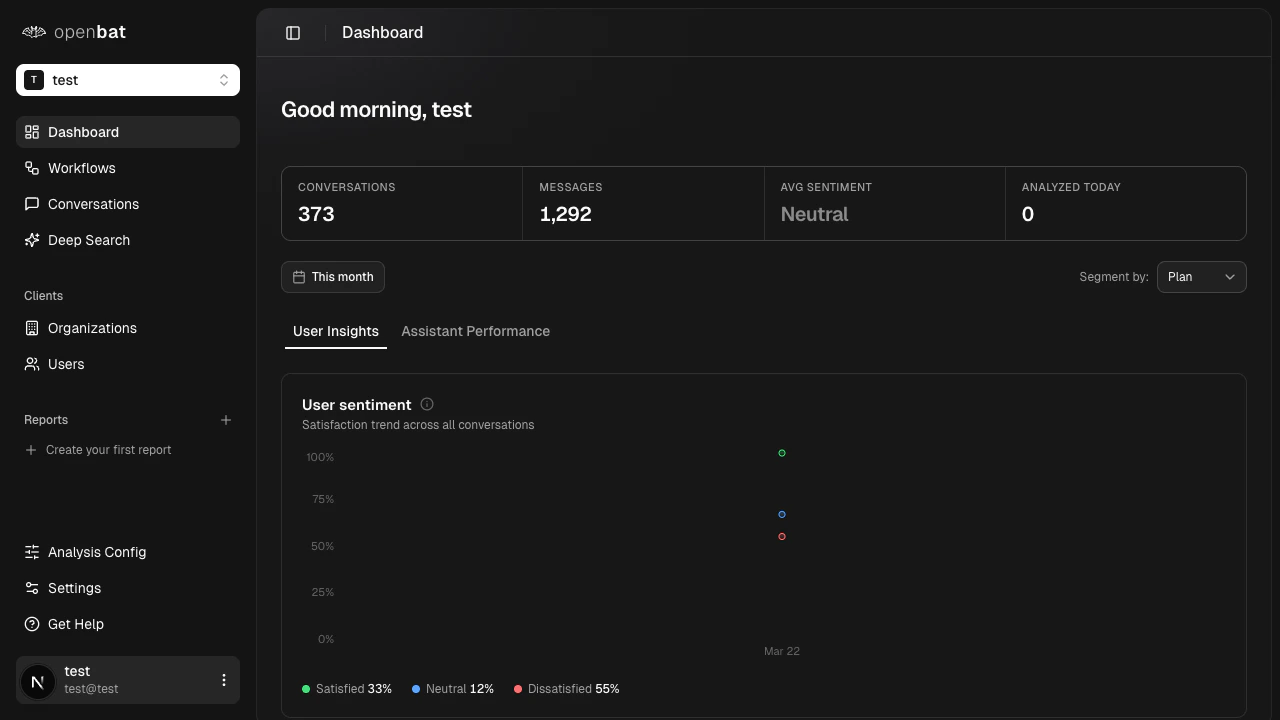
Navigate to your chatbot dashboard. Within minutes, analysis results appear including sentiment scores, intent classifications, and more.Dashboard with analytics

Next steps